FGLair™ SET UP STEP3: Account Registration
-
1

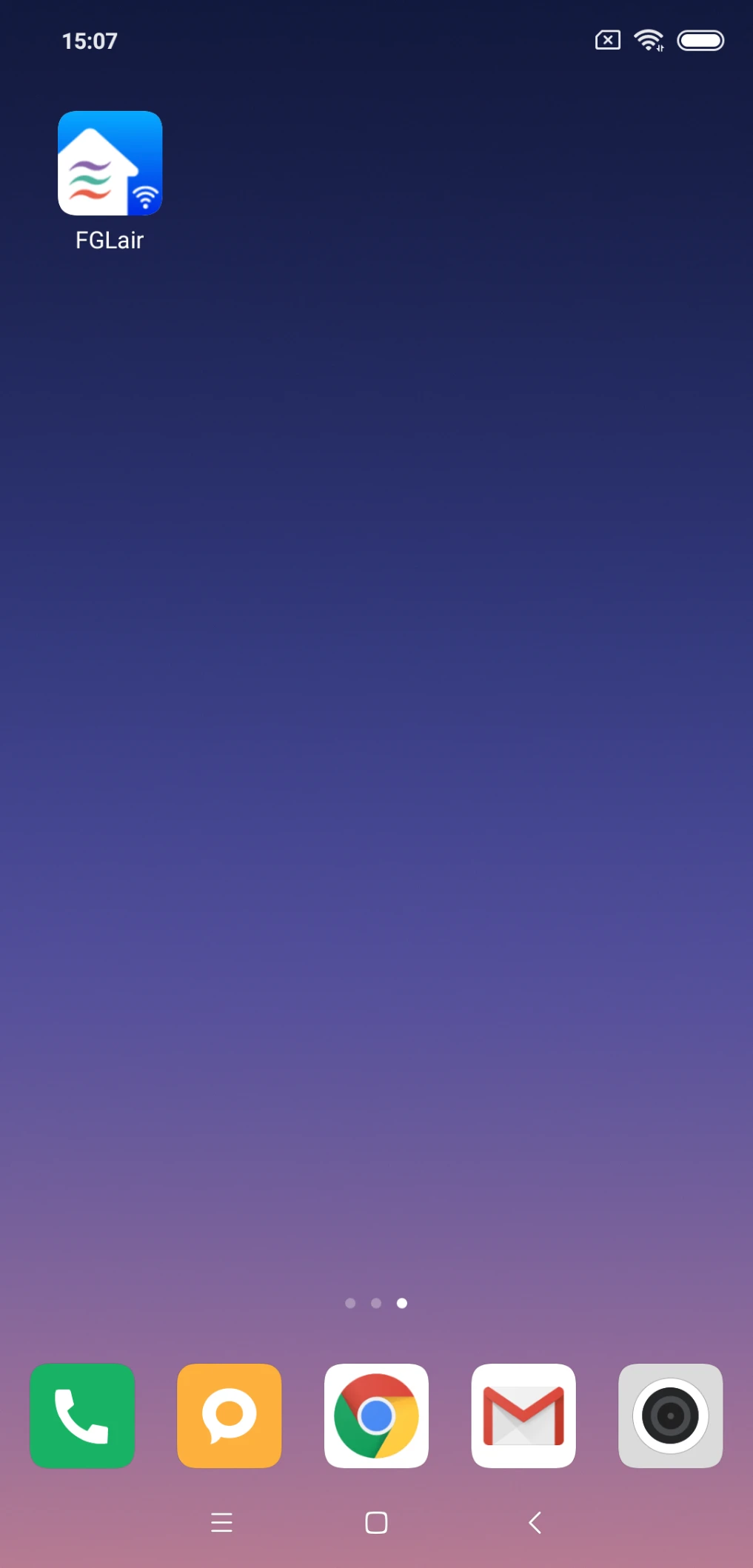
Tap the FGLair icon.
-
2
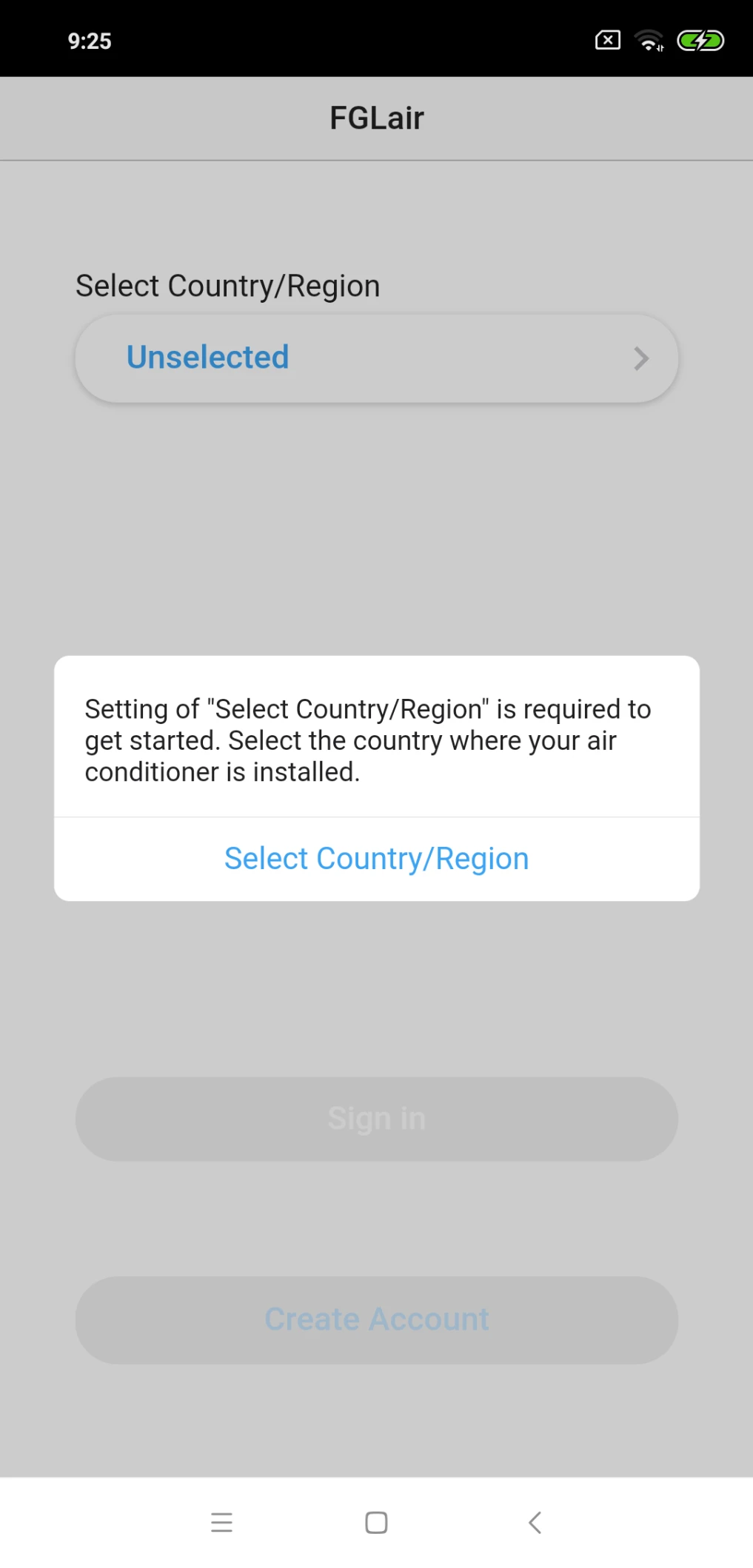
When launching the mobile app for the first time, select the region of installment from the list in the following screen. To set, tap [Select Country/Region].
-
3
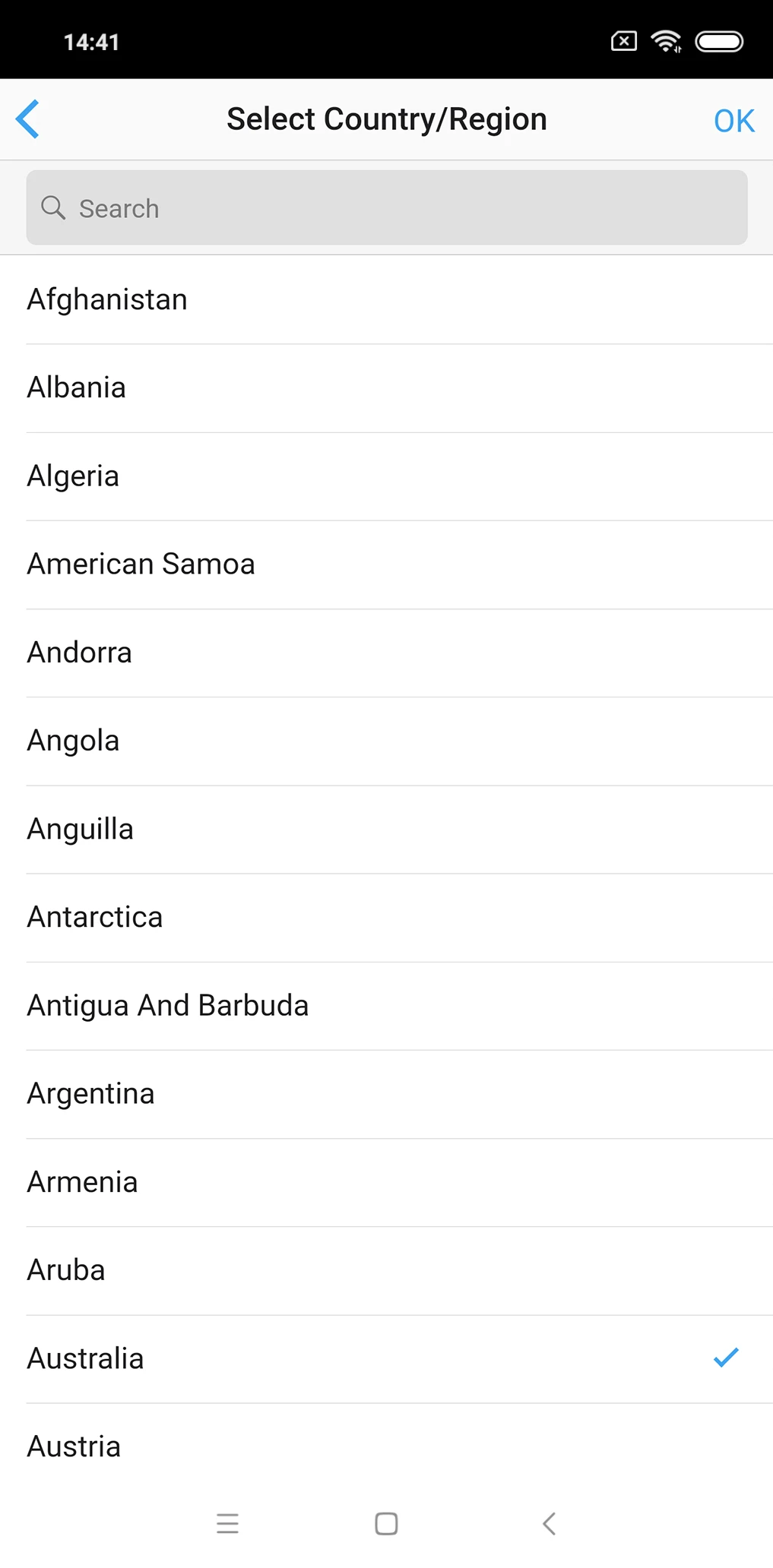
Select a region and tap [OK].
-
4
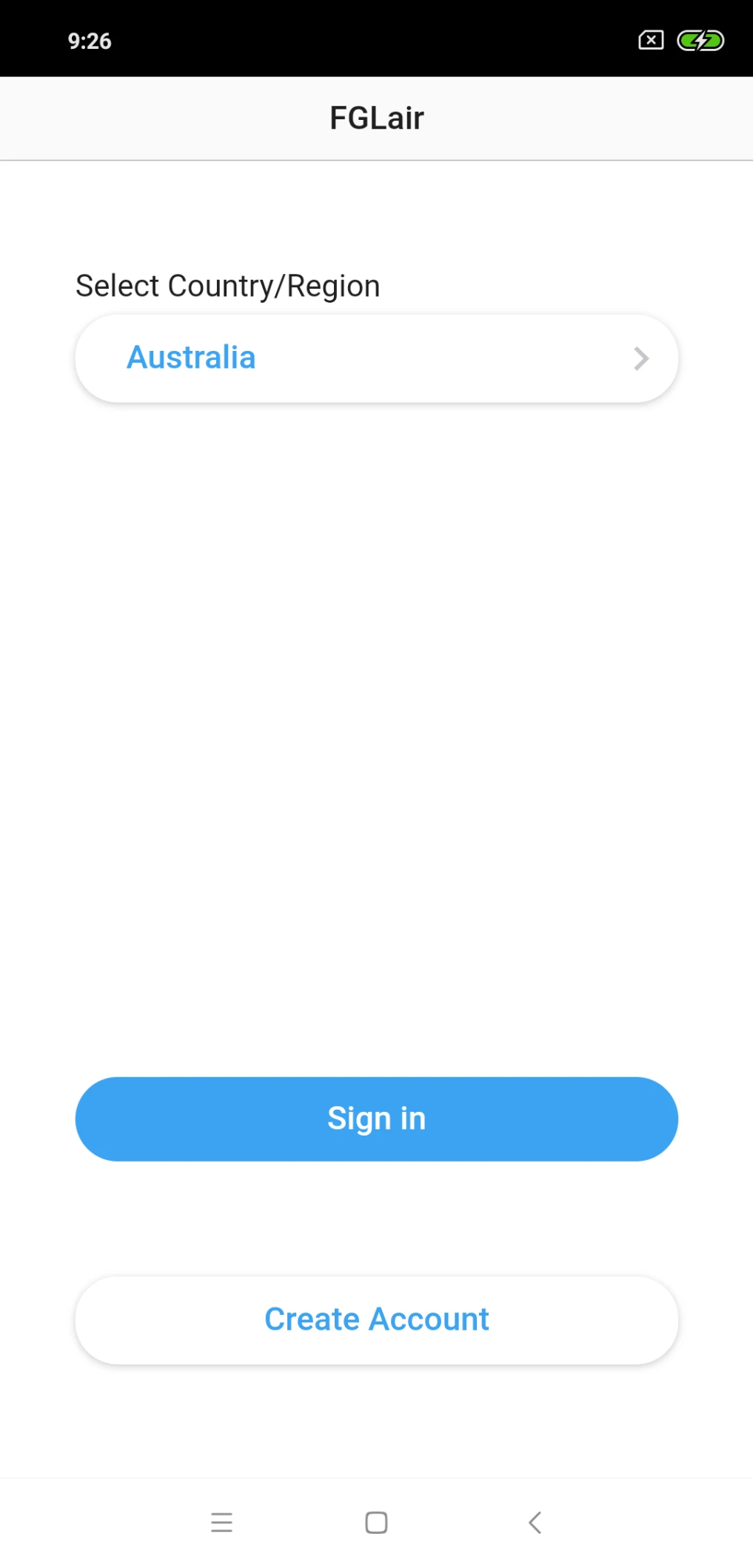
Tap [Create Account].
-
5
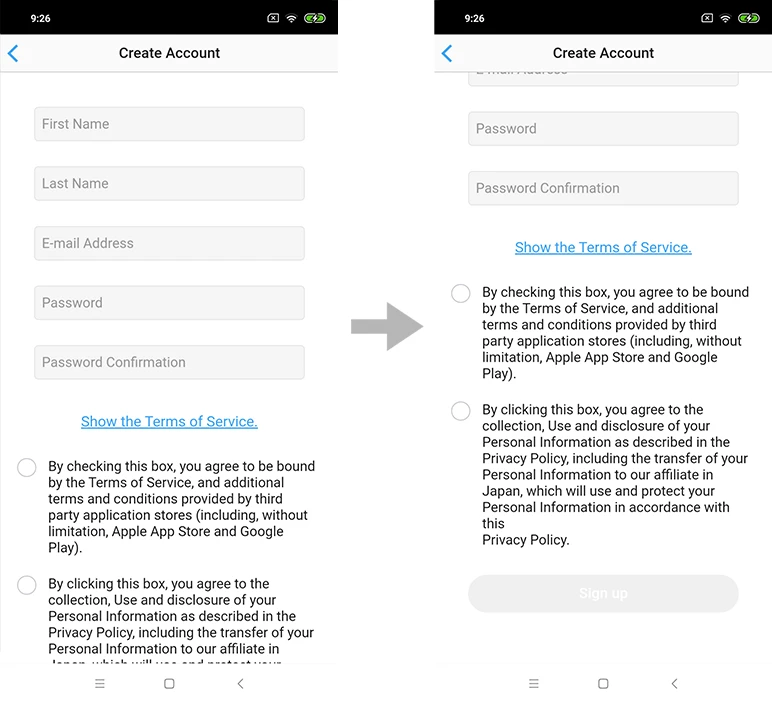
Enter your email address, password, and other information that is displayed.
-
6
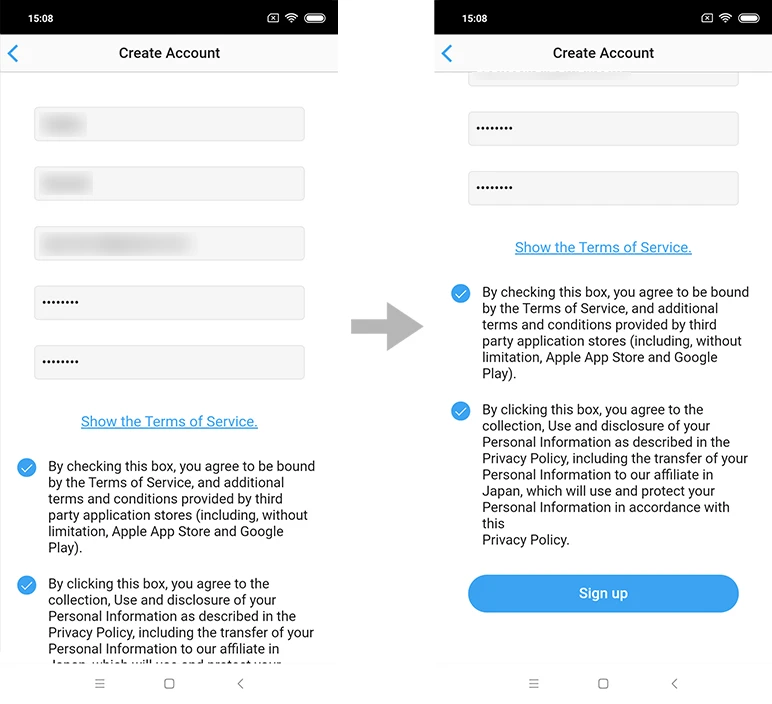
Check the box if you agree to the terms of service. (Approval is required to use this mobile app.)
-
7
To set, tap [Sign up].
-
8
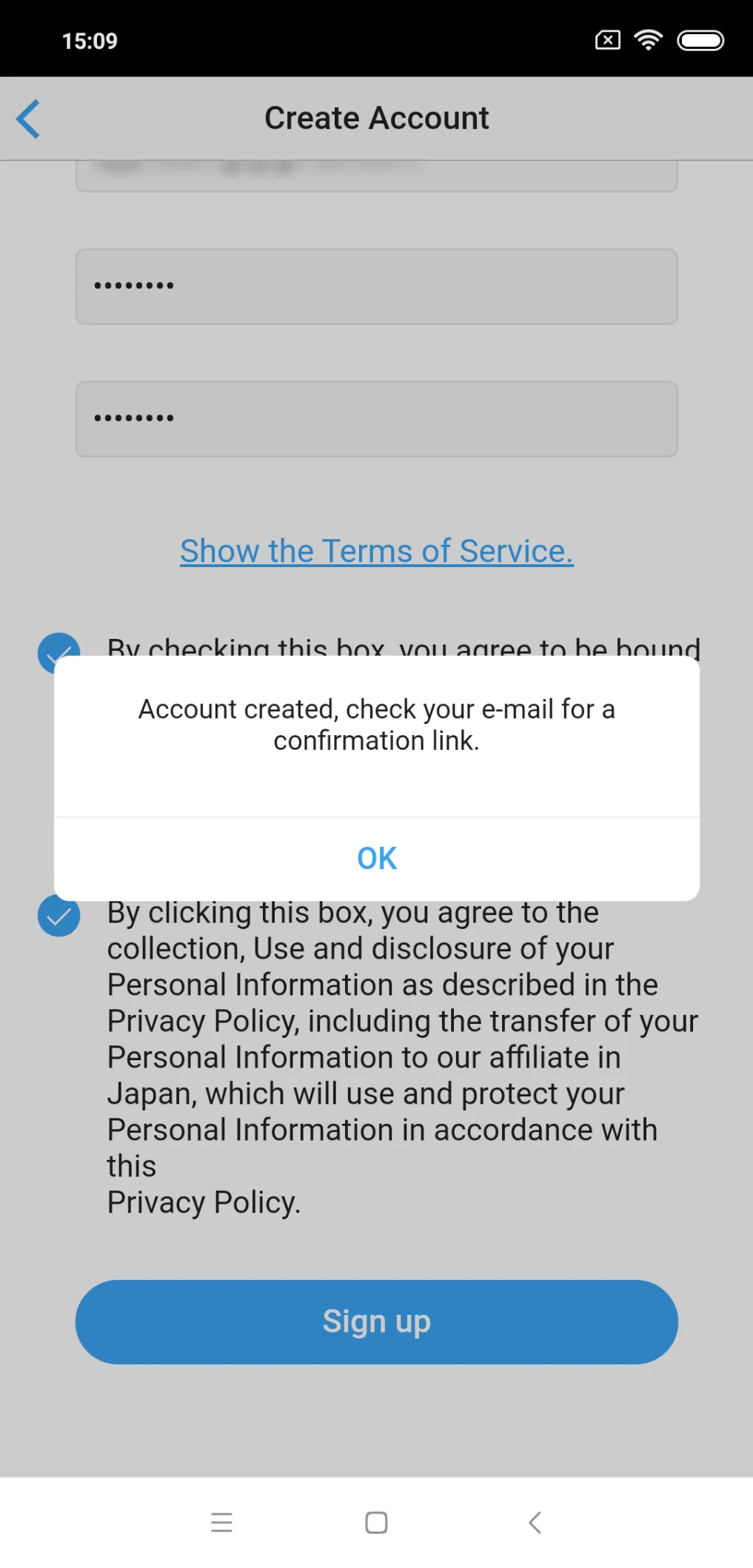
A confirmation message will be sent to the e-mail address you have registered. To set, tap [OK].
-
9
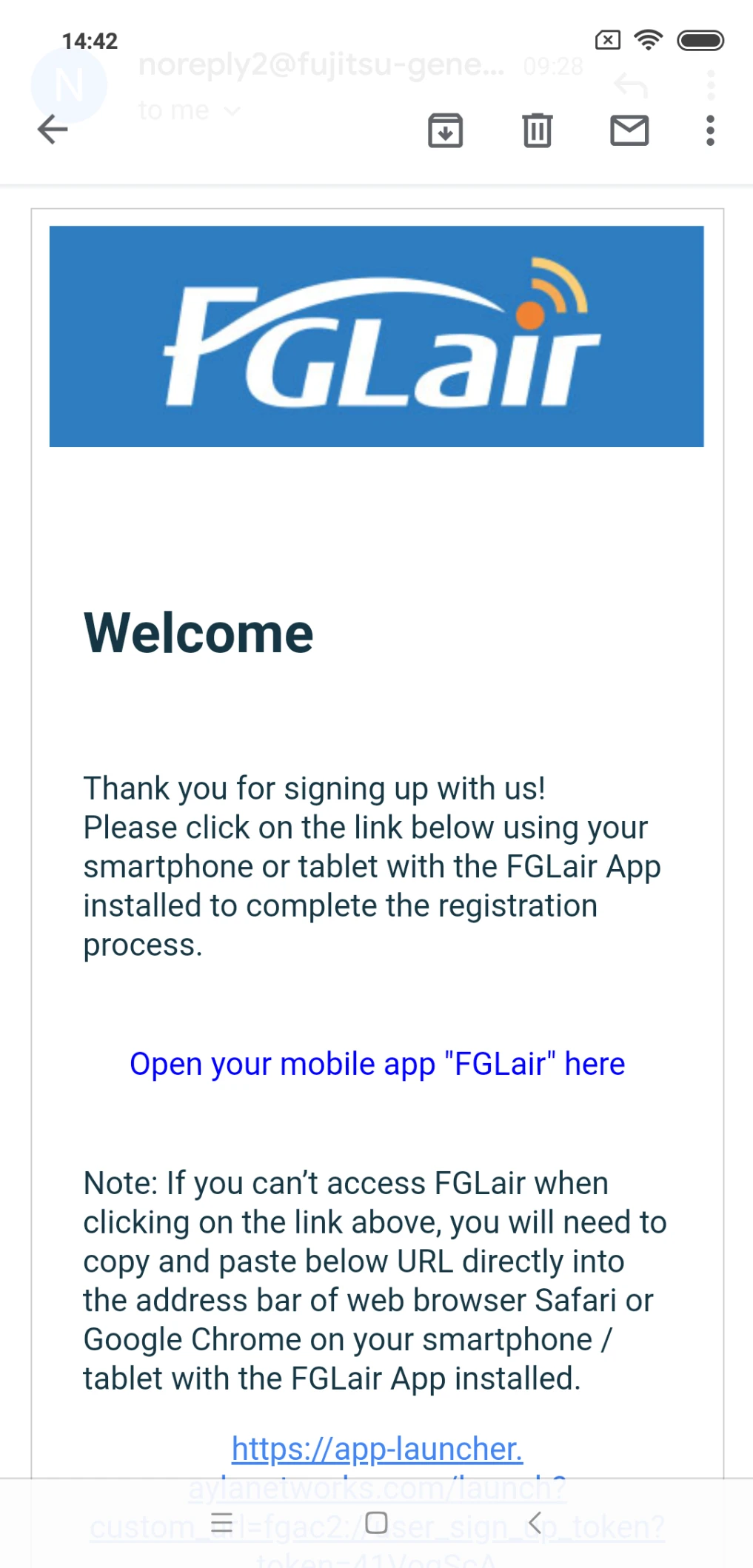
To completed creating the account, tap the link in the confirmation message.
-
10
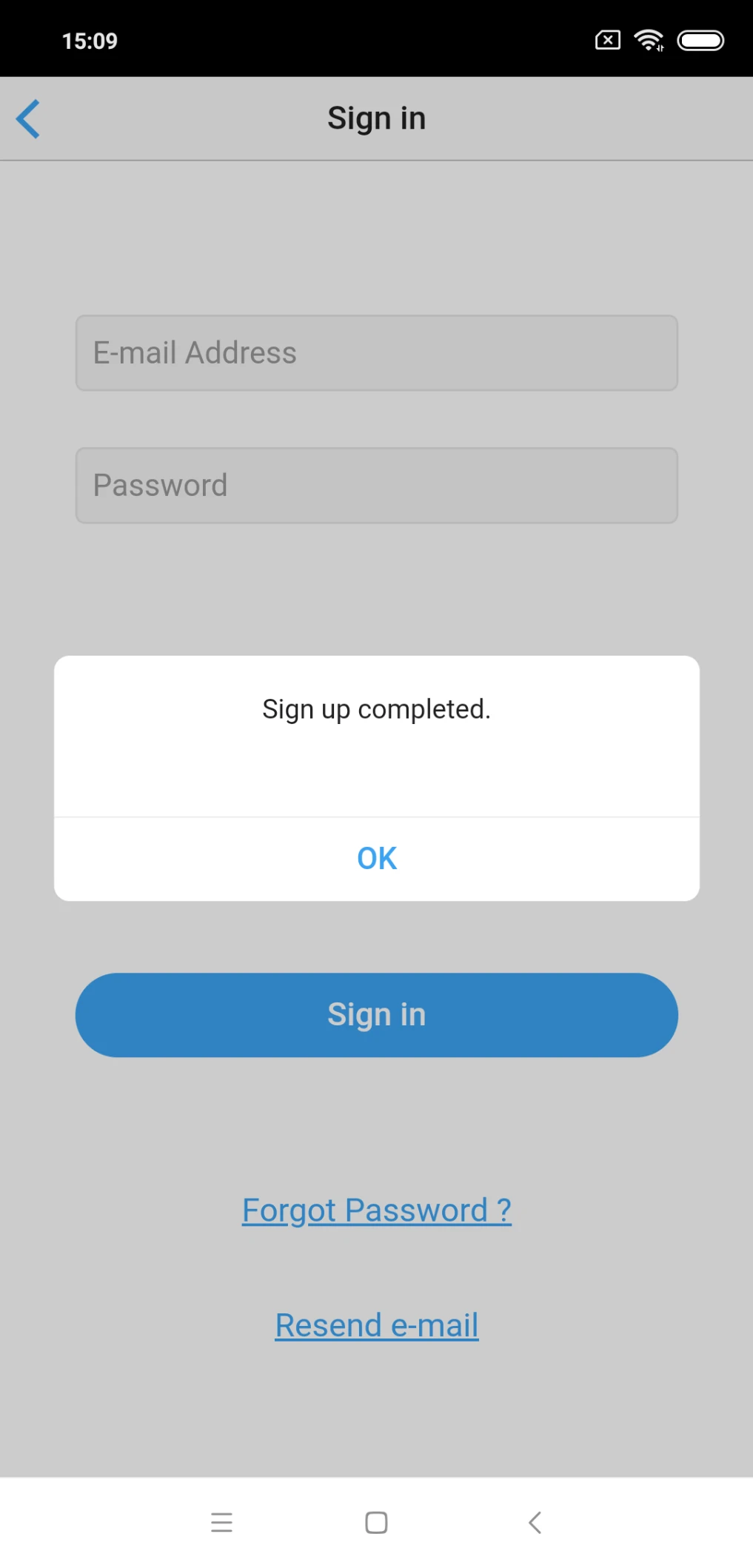
Account registration is completed. To set, tap [OK].
-
11
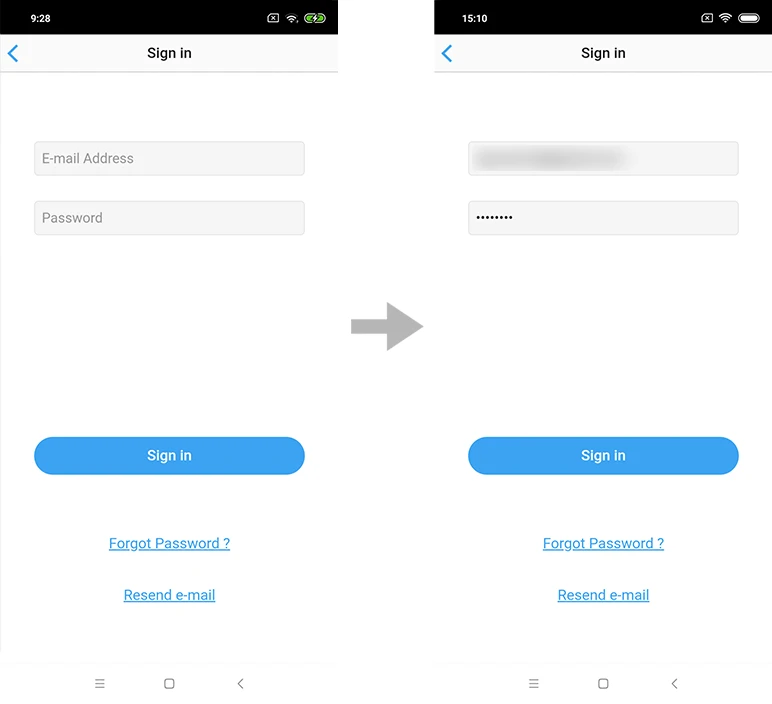
Sign in with the e-mail address and password you have registered.
-
12
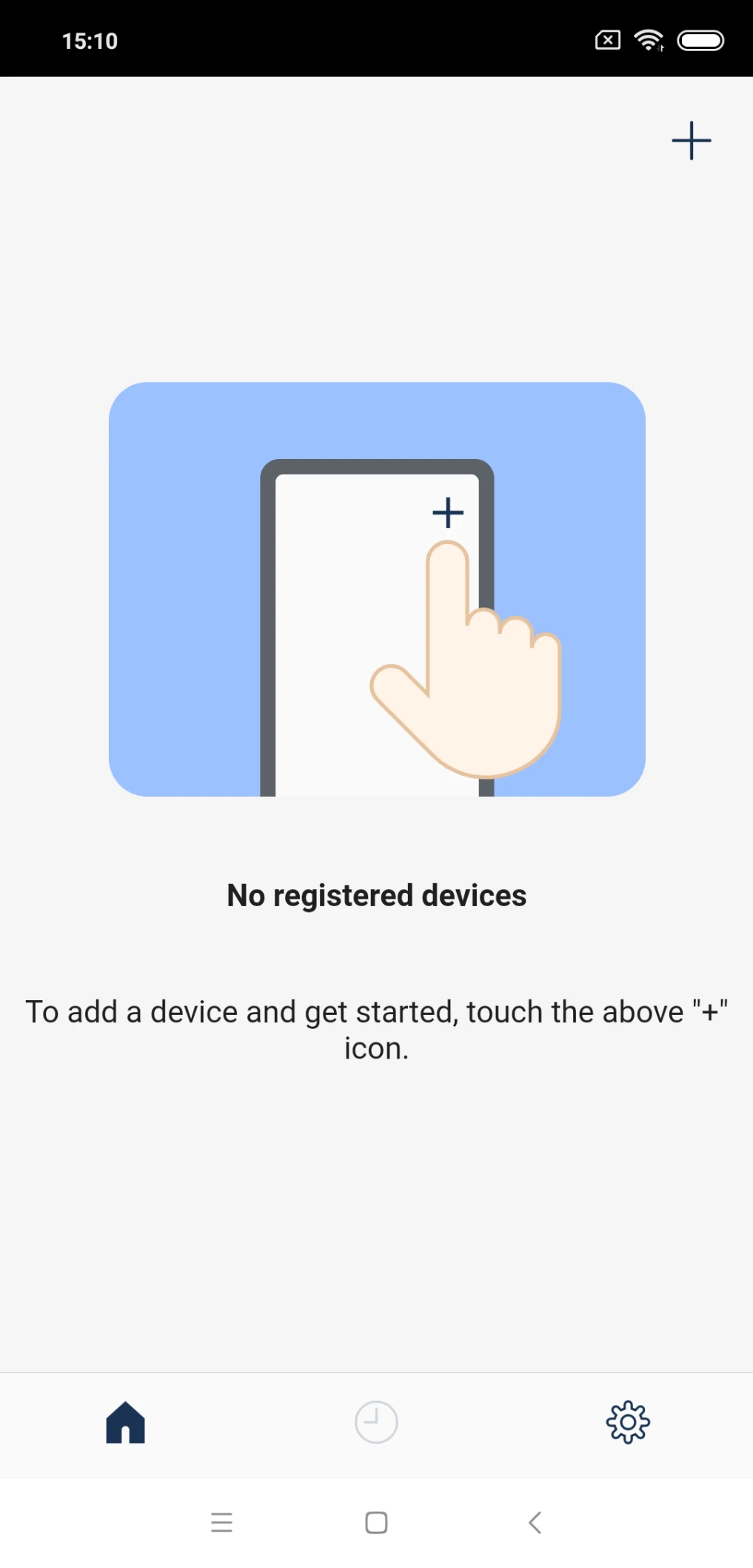
Sign-in is completed.